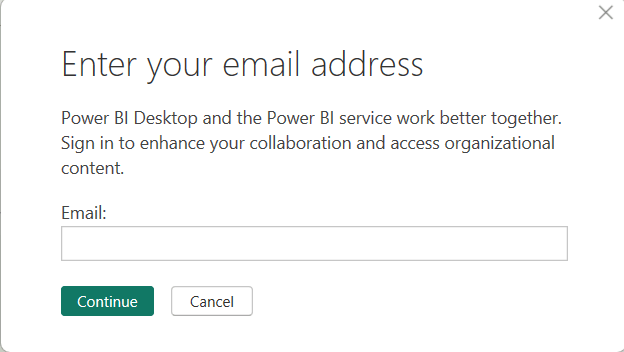
Ever work in Power BI Desktop and suddenly encounter the continuous “Enter your email address” pop-up below?
Quick fix!
- Go to File -> Options and Settings -> Options -> Preview Features -> and uncheck Translytical Task Flow

Now just reboot!
Ever work in Power BI Desktop and suddenly encounter the continuous “Enter your email address” pop-up below?
Quick fix!
Now just reboot!
Hello, Welcome to DevOpsUnleashed!
A blog dedicated to sharing information about DevOps. Here, you’ll find examples, tips, and tutorials on DevOps.
Feel free to share your experiences in the comments!

